
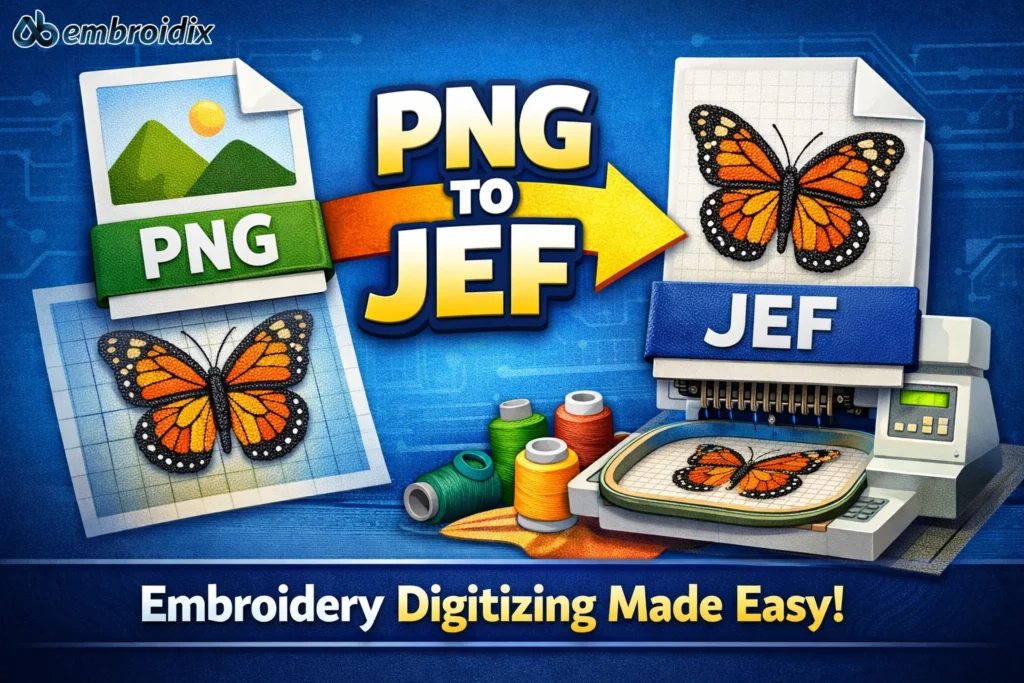
Pixels to Threads: Stitch up Fun!
Have you ever found a beautiful logo or a computer image and thought: It would look great embroidered on my jacket! And here we are in the artistic world of embroidery digitizing! Here in this blog, we will get to know the way to convert PNG to the JEF. The format, which embroidery machines prefer. There is nothing to fret about when you are a new person to this endeavor, we will make it simple to understand, and enjoyable.
What is PNG
PNG is one of the most used digital design formats. It gives backing to clarity, sharp details and vivid colors, which render it ideal in logos, icons and images. PNG files appear on your monitor but it cannot be read directly by your embroidery machine. To make the image or your photograph a stitched one on a shirt or a tote bag, you will need to convert your PNG file to a JEF one the format used by most embroidery machines.
What is a JEF file?
The JEF file is not simply an image of what you would like to have embroidered on something, it is a computer map of an embroidery pattern. Not only the sequence to sew it, but the direction of the stitching, the change of colors, the machine direction to follow to create your design. When you consider your machine as an artist, the JEF file is like a translation of your image to the imagine an embroidery software can understand. This is what makes the difference between what you have created with your creativity and the stitching. You would not have done your embroidering machine any good without this translation!
Mapping the PNG-JEF Transition.
It is similar to teaching your machine a new language when it comes to the process of transitioning to JEF out of PNG. You are putting the visual design to a mechanical one. Each pixel in this case is a stitch and each color is a thread. Thus, it is quality and textured, personalized design which can be touched and put on or given to another person! This may sound technical a bit, but it is. But, after learning how to do it, it is a lot of fun!
Equipment You Will require in the conversion.
Embroidery digitizing software (such as Janome Digitizer, SewArt, or Embird) will be required to convert a PNG image into the JEF file format that is easy to use with your Janome embroidery machine. The software that will enable you to digitize your PNG image, outline the image and then select the type of stitch and the thread color. After you are contented with the design you have computerized to be embroidered, you will export the design in the form of a using the software, as a. The type of JEF file to load the design to your Janome embroidery machine to embroider.
Steps to Convert
The variability differences are somewhat different in every software title, though the overall workflow is identical:
- In digitizing software open your PNG file.
- Design it manually or leave the software to take care of the design.
- Give out the type of stitch like the satin as border or fill stitches as the solid parts.
- Adjust the stitch density and direction of the stitches in order to achieve the best smoothest embroidered embellishment.
- Choose your thread colors.
- Save as a. You can embroider JEF file, you are prepared!
Congratulations; You have just successfully changed a PNG into a JEF file format!
Errors beginners should avoid.
The problem with new users is often created by too complex specifications of file conversion of PNG to JEF. You should remember that embroidery is not pixel-based, it is thread based. Simplify the picture, no or minimal minor text, excessive shading or an overabundance of gradient fills. The other tantrum that is common is wrong stitch density. When it is too tight then your cloth will pucker, when it is too loose the printing will be flattened. Always put the design to the test first then take it to production!
Why Digitizing is not a Simple Question of Converting.
Did you know: it is not only necessary to convert a file type. Not only art, it possesses creativity as well and knowledge of how the stitch will lie on the cloth. You are actually punching string. All the lines, fills, and textures make your design a personality so do not convert, create!
Secrets to Embroidery Success.
When designing a PNG to JEF conversion, one should start with simple shapes and graphic designs. Publish some of examples of stitch on scrap fabric before you begin to do your large project. Experiment with your stitches on another direction in order to give some texture and depth. Most importantly-have fun! Embroidery is an art and an avenue of creativity. Where are you going to leave off your color and pattern!
Weight of Fun, Colorful and Imaginative!
Your embroidery design is not needed to be a copy of your PNG file. Be it other colors of the threads, gradients and textures. That is the good bit about PNG-to-JEF bringing a design, which began as a digital concept, into a design now with depth and personality! Each needlework has a story and each color gives pleasure!
Troubleshoot: When Things are not going as Planned…
Even the best have hiccups. Should your conversion not be stitching as it should or may not be stitching. Confirm the order of your stitches, thread tension and textile. Sometimes, all it takes is a change in the stitch sequence or a change to the machine and it can be the difference between heaven and earth. Nevertheless, take in mind that all o the pros began at the very first stage; experimenting, modifying, and transforming.
Why Ab Embroidix is your choice of digitizing.
All that sounds exciting and you are asking yourself how to begin, then Ab Embroidix can help you out! To make sure that the stitching is perfect every time, we develop professional embroidery digitizing services and PNG to JEF conversions. We can convert your logo, a patch, or any other design, distinctive and personal, into high-quality JEF, which is ready to be sewed.
We are creative, technical, and accurate and thus your embroidery project is flawless each time.
Contact: +1 786-987-3847
Email: abembroidix@gmail.com