
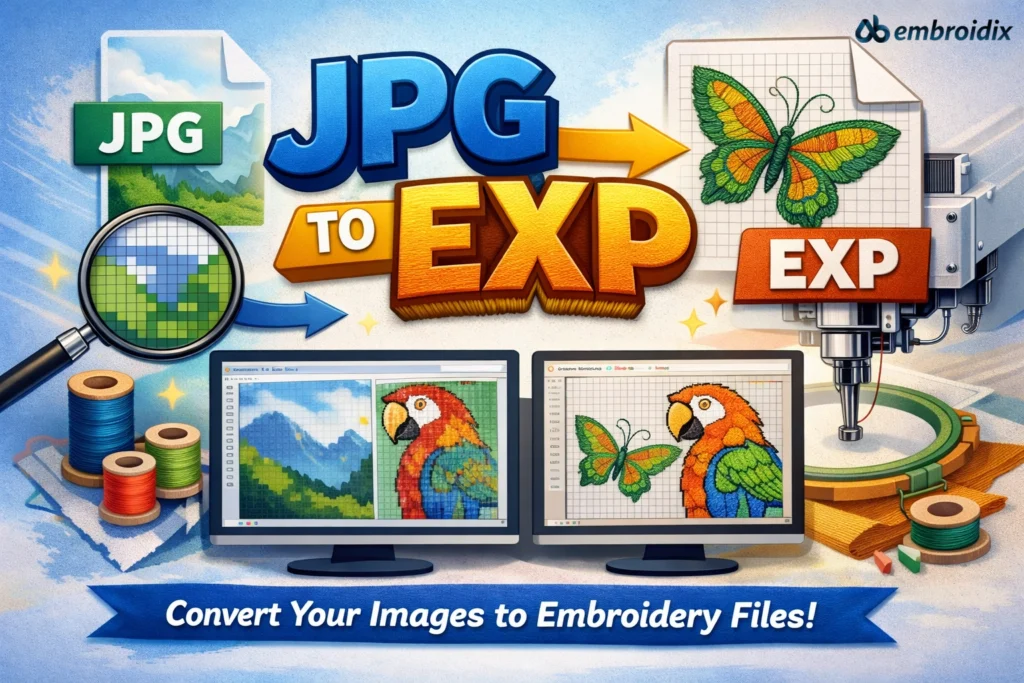
Stitching Dreams into Digital Threads
You have this beautiful design sitting on that humble JPG file, and you probably wonder how to make it dance across your embroidery machine. That is where the magic of conversion comes in! It may sound technical to a layman, but trust us-turning a regular image into a stitch-ready EXP file is no less fun than watching your first embroidery design come to life. Be it a hobby, a small business, or just the beginning of your journey in this field, once you learn this process, it opens up a whole new playground of creativity.
At Ab Embroidix, we love introducing novice users to the simple ability to turn digital art into real, tangible threads. And today, we’re diving deep into exactly how this conversion works, why it matters, and how you can master it.
What exactly is JPG to EXP conversion?

But before we talk about the “how,” let’s talk about the “what.” An image in JPG or JPEG format is just a regular image that’s perfect for photos, logos, and artwork, but not for embroidery machines. These machines cannot read colors and pixels; they read stitches and paths. That is where EXP files come in. An EXP file is the special format of embroidery that instructs your machine where to place each stitch, in what direction it should move, and when to change colors.
Converting JPG to EXP translates your artwork into the language your embroidery machine speaks. It is like teaching the sewing machine to “speak stitch.”
Why this Conversion Is a Game-Changer
If you’ve ever tried uploading a JPG file directly to your embroidery machine, you already know what happens: absolutely nothing. The poor thing just stares blankly back at you! This is because it cannot interpret image pixels. But once you’ve converted your file into an EXP format, suddenly your machine knows exactly what to do. It follows every path and stitch as if it were reading a music sheet for thread.
This gives you complete creative freedom; you can take your brand’s logo, a custom illustration, or even your kid’s doodle and turn it into wearable art. That is the beauty of learning JPG to EXP: it unlocks limitless design possibilities, right from your laptop to your embroidery hoop.
How the JPG to EXP Magic Happens
Now, to put it into simple terms, the process normally starts with the embroidery digitizing software. That is where you upload your file in the JPG format and start to convert it into stitches. Programs like Wilcom, Hatch, or Embird are popular among pros and beginners alike. These tools let you trace outlines, define stitch types, set directions, and adjust densities.
Click “convert,” and the software will analyze the picture, generating a digital embroidery map of a step-by-step path that your machine will follow. You then can tweak details such as stitch length, underlay, and thread color to make your design just right. Once it looks perfect on-screen, you save it as an EXP file, and voilà-your image is officially embroidery-ready!
At Ab Embroidix, as we always say: “If you can imagine it, you can stitch it.”
Common Mistakes Beginners Make and How to Avoid Them
When you’re just getting started, it’s easy to get a little tangled-literally and digitally. One mistake beginners do is using poor-quality JPGs; blurry or pixelated images confuse digitizing software and can give you messy stitches. Always start with a clean, high-resolution image.
Another beginner oversight? Lack of attention to stitch direction. Stitch direction influences texture and how light reflects off of the fabric. And finally, don’t overdo the stitch density. A general rule to avoid is too many stitches in a very small area. This might lead to thread breakage or fabric puckering.
The good news is that once you get the hang of JPG to EXP conversions, the above-mentioned issues become second nature to spot and fix. Each mistake is another loop in your learning journey!
Why EXP is the Star Format for Embroidery
Among dozens of embroidery file formats, such as DST, PES, JEF, and VP3, perhaps the most versatile is the EXP format. It’s widely supported among the most popular embroidery machines, like Bernina and Melco. Plus, it’s simple and compact, hence easy to transfer across software and devices.
For beginners, that is a big win. Using EXP means one can experiment freely without compatibility issues bogging them down. That is why, as we talk about JPG to EXP, we are literally talking about opening creative and convenient doors.
Fun Fact: Your First Stitch Is the Hardest; After That, It’s Addictive!
Ask any veteran embroiderer, and they’ll tell you: that first stitched-out design is unforgettable. You’ll probably be hovering over your machine, eyes wide, when it hums to life and starts turning pixels into patterns. In one magical leap, your computer art becomes something you can touch, wear, or give. It’s this transformation from screen to stitch that makes this such a thrilling process.
Soon enough, you’ll be converting every cute cat picture or favorite quote you find into embroidery form. Fair warning: It’s highly addictive in the best of ways!
How Ab Embroidix Makes the conversion Easy
At Ab Embroidix, we are all about making embroidery fun and frustration-free. Whether one is a complete beginner or looking to take their digitizing to the next level, our experts can do fast, accurate, detailed JPG to EXP conversions for you. We use industry-grade tools and artistic precision to make sure your designs stitch beautifully every single time.
We believe creativity should not be bound by any technical obstacle. Our mission is to make it easier for you so that you can focus on what is most important: creating stunning, personalized embroidery that tells your story.
Let’s Get Stitching!
And that would be all, yep, all about how a JPG to EXP conversion develops your design into an embroidery masterpiece. From a flat image, it now becomes a vibrant and textured work of art. Why not stitch your creativity into the real world instead of letting it stay confined in pixels? Whether you are digitizing for fun, fashion, or business, remember: every great embroidery project starts with just a single conversion. With Ab Embroidix, you’ll be stitching like a pro in no time. Ready to turn your JPG into thread magic? Let’s stitch your imagination to life, one EXP at a time!